


Most WordPress sites that try to collect email addresses end up doing it the awkward way: a sidebar widget that nobody clicks, a footer form that nobody scrolls to, a plain [contact-form-7] masquerading as a newsletter signup. The conversion rates are abysmal. The fix is opt-in forms that show up at the right time, in the right place, with the right message, popups on exit intent, slide-ins after a few seconds of reading, embedded inline forms in posts, even floating social sharing bars. That’s the job Hustle Pro from WPMU DEV is built for.
This guide walks through what Hustle Pro actually is, how it compares to OptinMonster and Thrive Leads, every module the plugin ships (popups, slide-ins, embeds, social sharing), how to build your first popup, all the trigger and targeting conditions, the 40+ email-marketing integrations, the developer hook surface, and the gotchas that bite real installs.
Table of contents
- What Hustle Pro actually is
- Free Hustle versus Hustle Pro
- Hustle vs OptinMonster vs Thrive Leads vs Bloom
- Who Hustle is the right pick for
- Installing Hustle
- The Hustle dashboard
- Building your first popup
- Slide-ins, embedded forms, and social sharing
- Trigger types in depth
- Conditional display and targeting
- Connecting an email marketing provider
- The submissions inbox
- A/B testing
- Developer reference
- Performance impact
- Common gotchas
- Pricing
- FAQ
- Final thoughts
What Hustle Pro actually is
Hustle is a WordPress plugin that builds four kinds of opt-in surfaces: popups, slide-ins, embedded inline forms, and floating social sharing bars. After activation you get a "Hustle Pro" menu in the WP admin sidebar with submenus for each module type, plus Integrations, Email Lists, Submissions (entries), and Settings. Each module is a saved configuration with its own design, content, trigger rules, display conditions, and integration list.
The plugin is built by WPMU DEV (Incsub), the same company behind Defender, Smush, Hummingbird, Forminator, and SmartCrawl. Hustle is the dedicated email-capture plugin in their stack. It started as a free WordPress.org plugin and the Pro version adds the integrations, conditional logic, and analytics that make it a real OptinMonster alternative.
Free Hustle versus Hustle Pro
Knowing the split prevents you from paying for features the free version already has.
Free Hustle includes
- Unlimited popups, slide-ins, embedded forms, social sharing bars
- 4 trigger types (page load, after time, exit intent, scroll)
- 4 free integrations (Mailchimp, AWeber, Constant Contact, ConvertKit)
- Basic conditional display (per page/post)
- Default design templates
- Submissions inbox
- Manual subscriber export to CSV
Hustle Pro adds
- 40+ email-marketing integrations. All major providers plus Zapier and Webhooks.
- Advanced trigger types. On click of an element, on adblock detection, after N comments, after viewing N pages, after exit-intent re-engagement attempts.
- Conditional display in depth. By post type, taxonomy, category, tag, custom URL, user role, login state, geographic region, browser, device, referrer source, custom dates, custom query parameters.
- A/B testing. Variant A vs Variant B with traffic split and statistical winner detection.
- Schedule. Show only between specific dates (campaign-style).
- Analytics dashboard. Per-module conversion rate, total impressions, total conversions, total revenue (if integrated with WooCommerce).
- Custom HTML modules. Skip the visual builder entirely and paste your own HTML.
- Custom CSS per module. Override design beyond the visual editor.
- Premium support.
For a personal blog or small site collecting emails via Mailchimp, the free version is genuinely enough. For an agency, a marketing site running campaigns, or any site needing per-segment targeting, Pro pays off.
Hustle vs OptinMonster vs Thrive Leads vs Bloom
The four big options in this category. Honest comparison.
Hustle Pro
- Pros. Cheapest of the four. WPMU DEV bundle makes it free if you already use Smush / Hummingbird / Forminator. Clean modern UI.
- Cons. Smaller third-party tutorial library. Some triggers feel less polished than OptinMonster’s.
OptinMonster
- Pros. Industry leader. Largest integration set. Most-polished analytics. Strong exit-intent algorithm.
- Cons. SaaS pricing (monthly subscription tied to traffic tier). Most expensive of the four.
Thrive Leads
- Pros. Strong integration with Thrive Themes / Thrive Architect. Excellent A/B testing. Long history.
- Cons. Tied to the Thrive ecosystem (works best if you’re all-in on Thrive).
Bloom (Elegant Themes)
- Pros. Beautiful default templates. Comes bundled with Divi/Elegant Themes membership.
- Cons. Smaller feature set than the other three. Fewer triggers.
If you’re already on the WPMU DEV stack, Hustle is the obvious answer. If you’re running a high-traffic marketing site and you want the deepest exit-intent and analytics, OptinMonster is worth the SaaS cost. Otherwise Hustle Pro covers the same job for much less.
Who Hustle is the right pick for
Three audiences fit cleanly.
Bloggers building an email list
You write content. You want a popup that asks for an email address after the visitor reads 50% of an article. You want it integrated with Mailchimp or ConvertKit. Hustle does this in 10 minutes.
Marketing sites running campaigns
You’re launching a product, running a Black Friday promo, or pushing a webinar. You want a popup that shows only between specific dates, only to non-customers, only on traffic from a specific UTM source. Hustle Pro’s conditional display and schedule handle this without code.
Agencies adding email capture to client sites
Each client site needs an opt-in. You don’t want to install + configure OptinMonster’s SaaS subscription per client. Hustle Pro is one purchase, runs on all client sites. Combined with the WPMU DEV Hub, you manage opt-ins across many sites from one console.
Installing Hustle
Standard WordPress install.
Plugins -> Add New -> Upload Plugin -> hustle.zip -> Install Now -> Activate. The "Hustle Pro" menu appears in the WP admin sidebar with submenus: Dashboard, Pop-ups, Slide-ins, Embeds, Social Sharing, Integrations, Email Lists, Settings.
First-run onboarding shows two welcome modals (the "Check Out What’s New" announcement and the "Hey admin, Welcome to Hustle Pro" intro). Click GOT IT and Skip This to dismiss. You’re then on the empty dashboard.
The Hustle dashboard
Hustle Pro -> Dashboard is the overview.
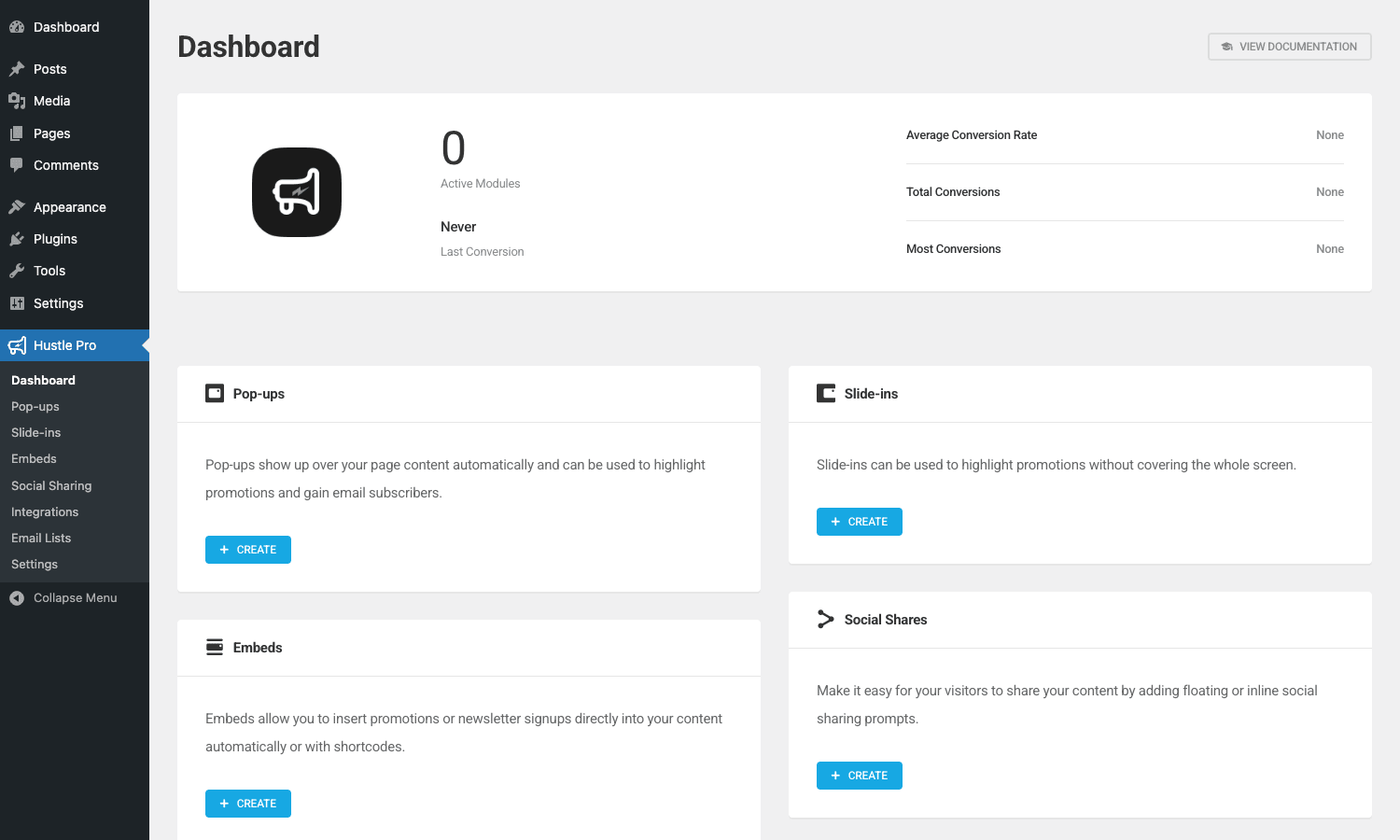
What you see:
- Stat cards. Active modules count, average conversion rate, total conversions, most-converting module, last conversion time.
- Four module cards. Pop-ups, Slide-ins, Embeds, Social Shares. Each card has a description and a Create button.
The cards are the entry points for each module. Click + Create under Pop-ups to start building your first popup.
The sidebar in the WP admin has the same submenu items: Dashboard, Pop-ups, Slide-ins, Embeds, Social Sharing, Integrations, Email Lists, Settings.
Building your first popup
Hustle Pro -> Pop-ups -> Create.
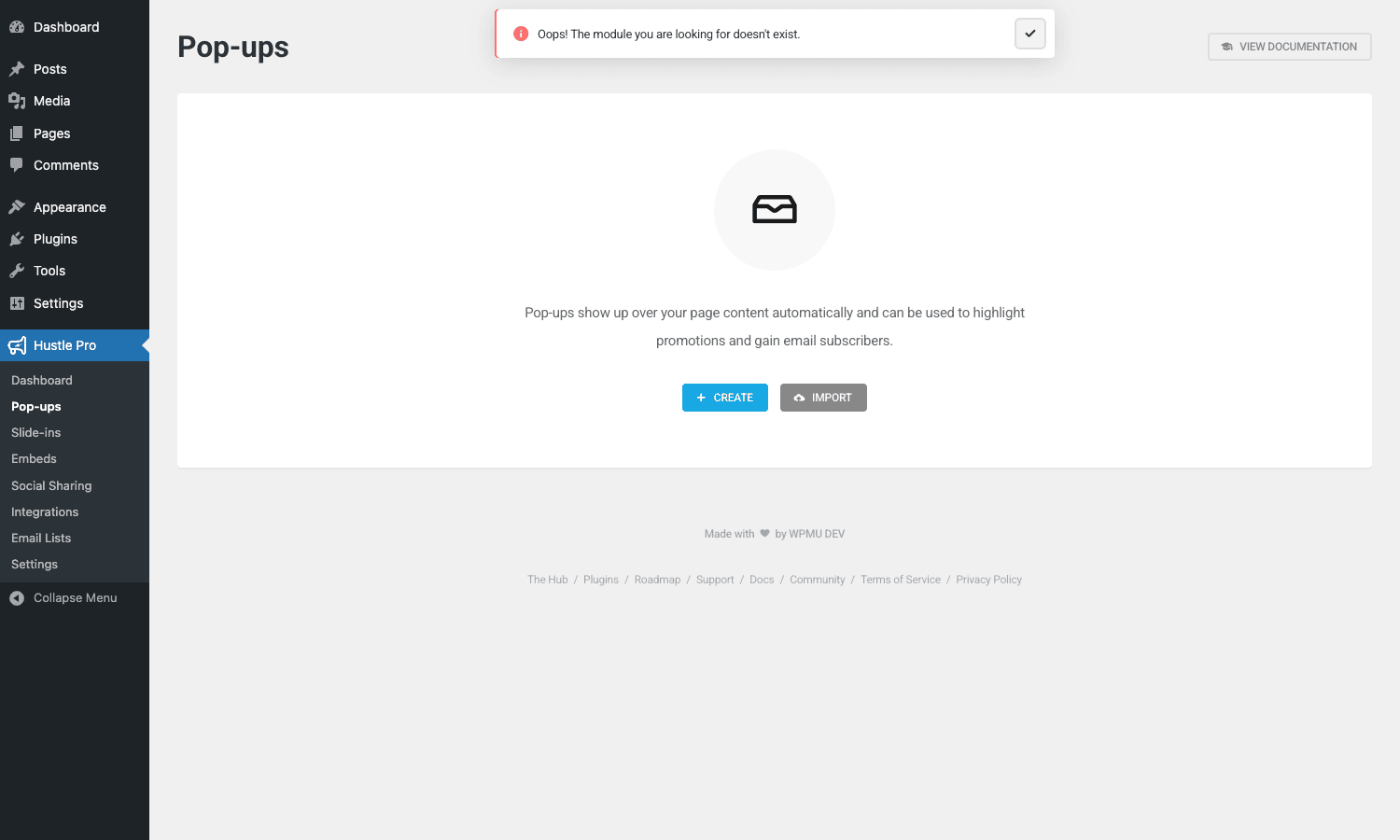
The popup wizard walks you through 7 tabs (steps):
- Module. Name the popup and pick a starting template (or blank).
- Content. What the popup says. Headline, body text, image, fields the visitor fills in.
- Design. Visual style. Color, typography, layout (centered modal, full-screen, side panel), animation.
- Emails. Auto-responder + admin notification settings.
- Integrations. Which email marketing provider to send signups to.
- Visibility. When and where the popup shows.
- Settings. Behavior toggles (don’t show twice in 24 hours, hide on mobile, etc.).
For a minimal popup:
- Content tab. Add a headline ("Get our weekly newsletter"), a subheadline ("Tips for WordPress site owners"), email field, submit button text ("Subscribe").
- Design tab. Pick a color, accept defaults.
- Integrations tab. Connect Mailchimp (covered below), pick the audience.
- Visibility tab. Show on all pages.
- Settings tab. Trigger on exit intent. Don’t show again for 7 days after dismissal.
Save. Publish. The popup is now live.
Slide-ins, embedded forms, and social sharing
The other three module types follow the same wizard pattern.
Slide-ins
Hustle Pro -> Slide-ins -> Create.
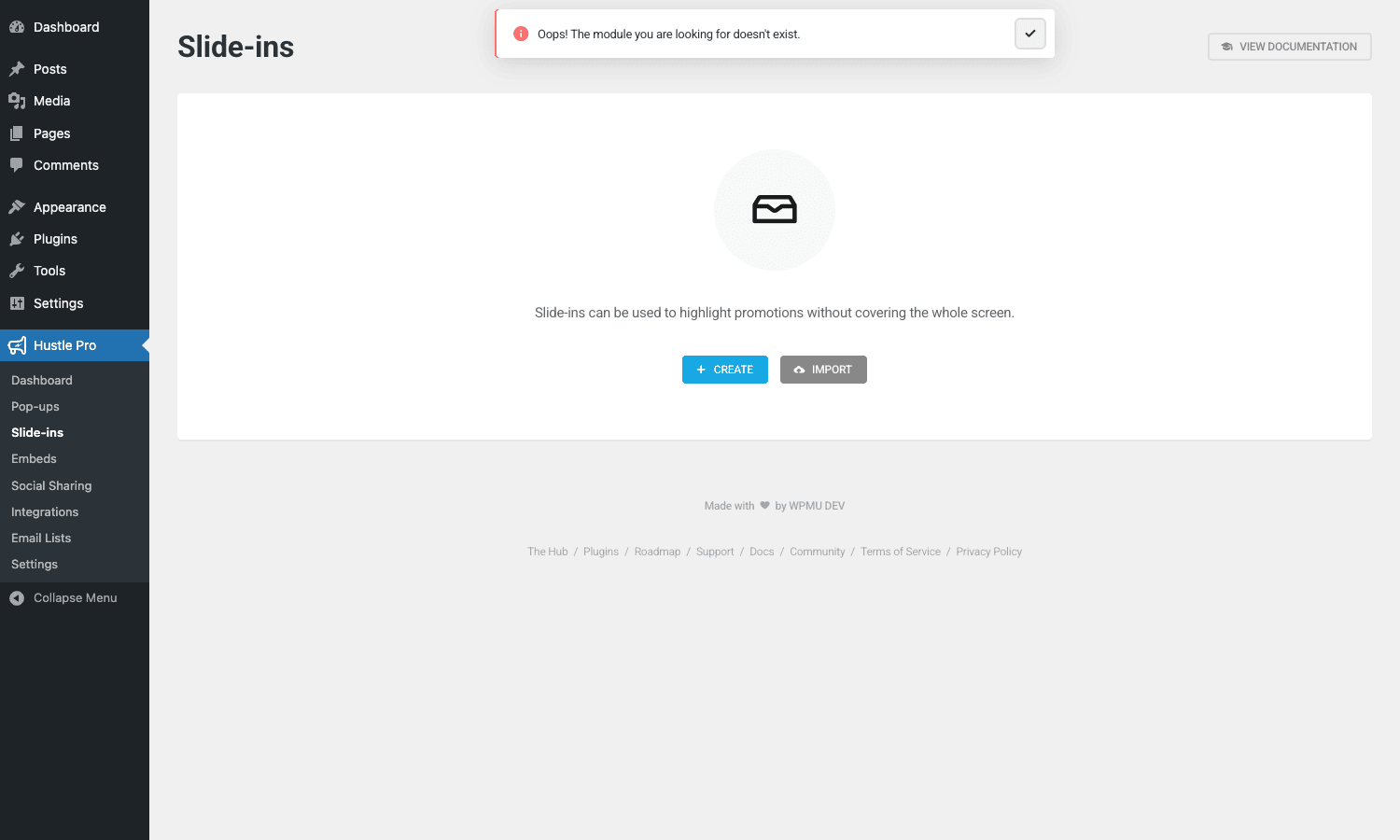
A slide-in is a smaller, less intrusive version of a popup. It slides in from a corner (bottom-right by default) instead of covering the screen. Good for "soft" opt-ins where you don’t want to block content. Same trigger options as popups.
Embeds
Hustle Pro -> Embeds -> Create.
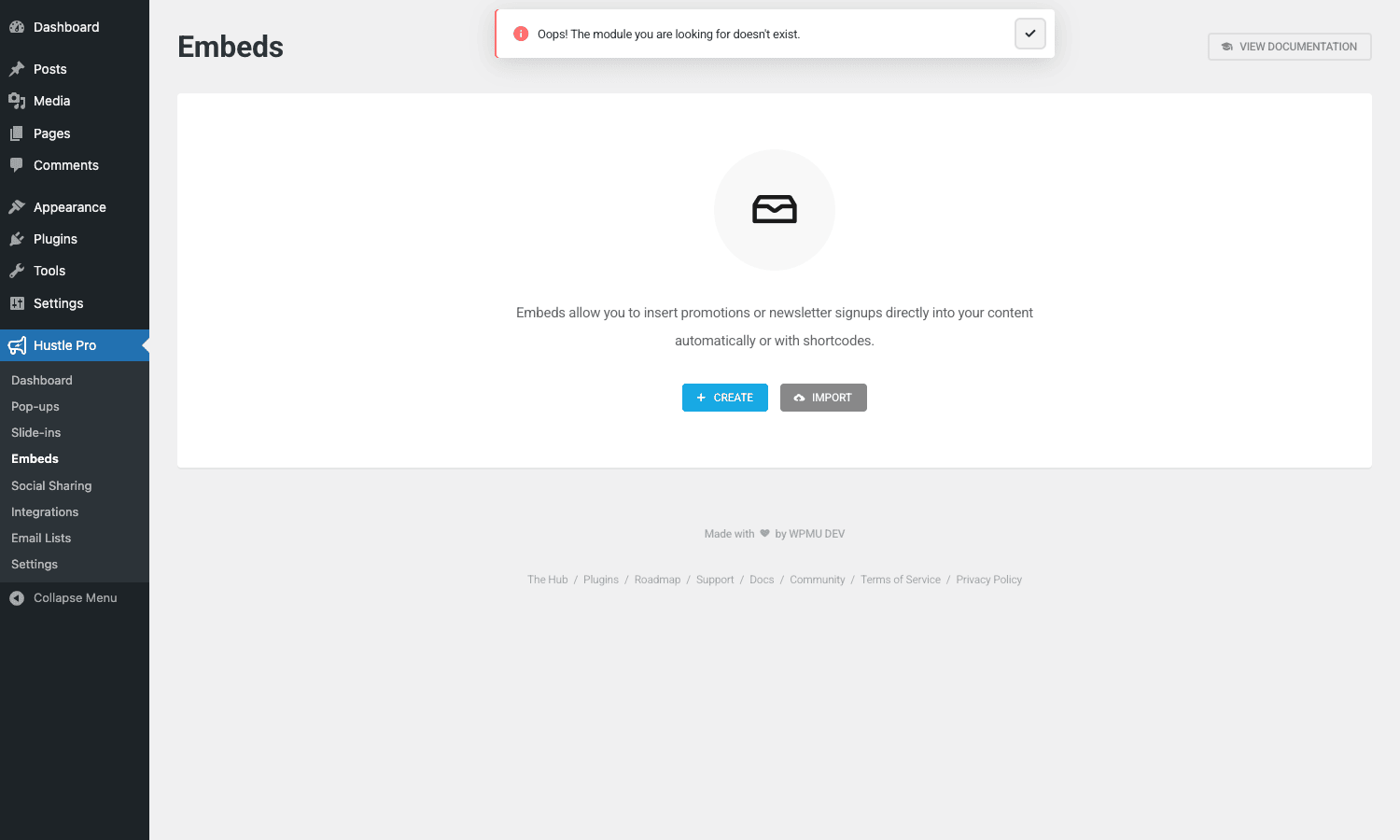
Embeds are inline forms you place inside post content. Each embed gets a shortcode like [wd_hustle id="1" type="embedded"] which you paste anywhere. Useful for "subscribe to get the rest of this article" CTAs mid-content, or a newsletter signup at the bottom of every post.
Embeds can also be automatically inserted at the end of every post via the "Auto-insert" toggle in the embed’s Settings tab.
Social Sharing
Hustle Pro -> Social Sharing -> Create.
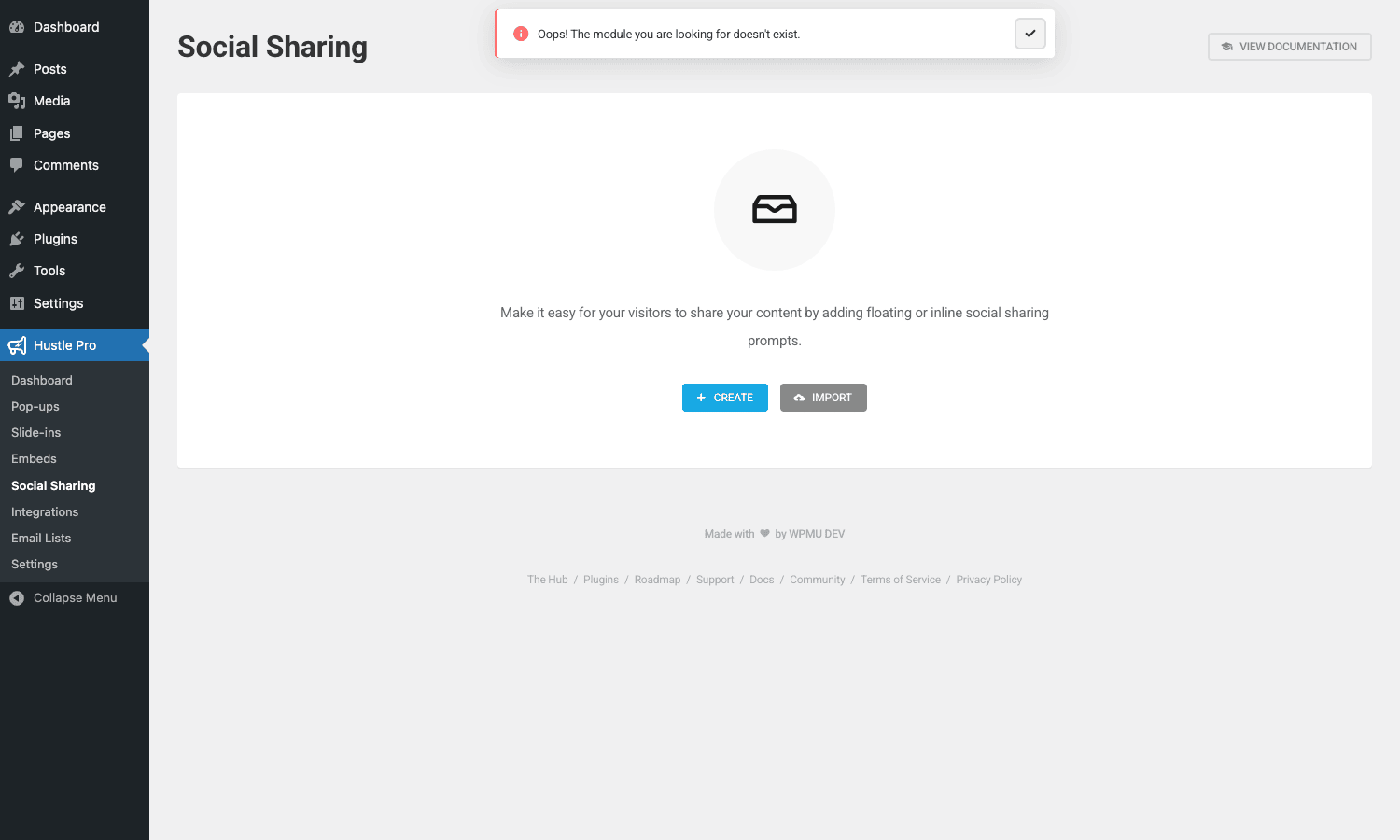
A floating share bar with icons for Facebook, Twitter, LinkedIn, Reddit, Pinterest, email, copy-link, and a few others. Position: floating left, floating right, inline above content, inline below content. Customizable icon style (filled, outlined, branded colors).
Less of an email-capture feature and more of a social engagement tool. Still managed under the same Hustle UI for consistency.
Trigger types in depth
The trigger is when the module shows. Hustle Pro supports nine triggers (free has the first four).
Page load
The module appears as soon as the page loads. Often too aggressive, you’re asking for an email before the visitor has read anything. Use only on landing pages with a single conversion goal.
After N seconds
Wait N seconds before showing. Default 5 seconds. Better than page-load because the visitor sees the content first. Common values: 10-30 seconds for blog posts, 5-10 for landing pages.
After scrolling N% of the page
Wait until the visitor has scrolled N% of the article. Default 50%. Good for blogs, by the time they’ve scrolled half the article, they’re engaged enough to consider subscribing.
On exit intent
Detect when the visitor’s mouse moves toward the top of the browser window (about to close the tab or navigate away). Show the popup as a "wait, don’t leave!" moment. The highest-converting trigger for desktop. Doesn’t work on mobile (no mouse), so combine with a different trigger for mobile.
On click (Pro)
Wait until the visitor clicks a specific element. Trigger CSS selector configurable. Use for "Click here to get the free guide" CTAs that open the popup.
On Adblock (Pro)
Detect that the visitor has an ad blocker enabled. Show a polite message asking them to whitelist your site, or push them toward an alternative monetization (subscribe instead).
After N comments / N pages viewed (Pro)
Trigger after the visitor has commented N times or viewed N pages on your site. Indicates engaged repeat visitors.
Always (persistent slide-in)
Slide-in stays visible the whole time the visitor is on a page. Use sparingly, most people prefer to dismiss persistent UI.
Conditional display and targeting
Visibility tab in each module configures who sees it. Pro adds significantly more targeting power than the free tier.
The conditions you can stack:
- Specific pages or posts. Show on these URLs only / exclude these URLs.
- Post type. Show on posts, pages, products, or any CPT.
- Categories and tags. Show on posts in these categories.
- Custom taxonomy terms. For sites using custom CPTs.
- User role. Show to subscribers but not customers (great for "upgrade to Pro" CTAs).
- Logged-in vs logged-out. Don’t show membership popups to existing members.
- Referrer source. Show different message to traffic from Google vs Facebook vs direct.
- UTM parameters. Show the "Black Friday" popup only to traffic with
?utm_campaign=blackfriday. - Browser. Show different message to Safari users (often older audience) vs Chrome.
- Device. Mobile, tablet, desktop. Often you want a different design per device.
- Geographic region. Country-level targeting via the visitor’s IP. Useful for region-specific promotions.
- Date range. Show only between Nov 24 and Dec 1 for Black Friday week.
- Day of week / time of day. Show happy-hour discount popups only on Fridays after 4 PM.
Stack multiple conditions and Hustle applies them as a logical AND (all must match). For OR logic, you create two separate modules with the different conditions.
Connecting an email marketing provider
Hustle Pro -> Integrations is where you connect third-party services.
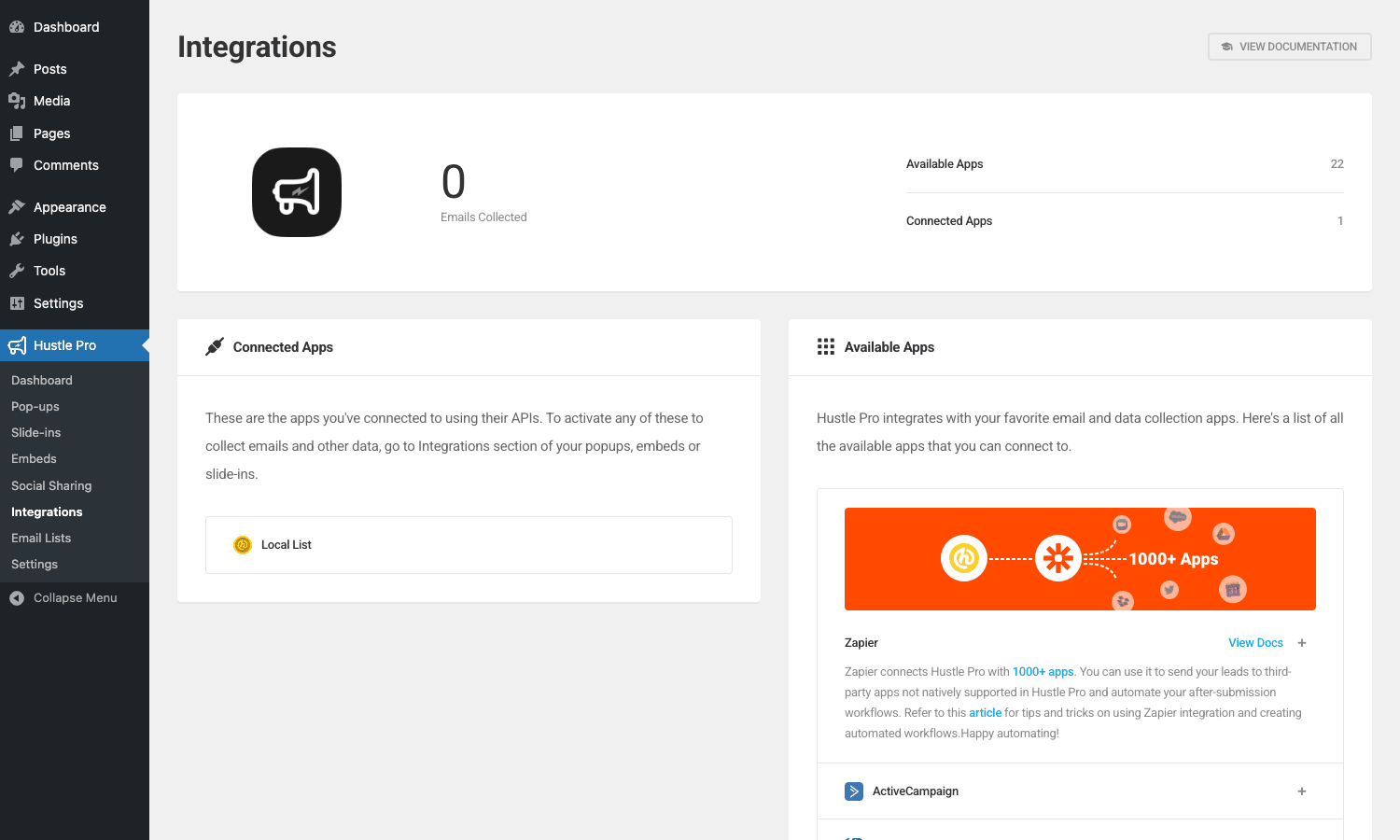
The grid shows all 40+ supported providers:
- Mailing list. Mailchimp, ActiveCampaign, ConvertKit, AWeber, Constant Contact, GetResponse, MailerLite, Drip, MadMimi, Campaign Monitor.
- CRM. HubSpot, Klaviyo, Brevo (Sendinblue), Pipedrive, Zoho, Salesforce.
- Transactional email. SendGrid, Mailgun, Postmark, Amazon SES.
- Automation. Zapier, Webhooks, Make/Integromat.
Click a provider, paste your API key (or OAuth-connect for providers that support it), pick the list/audience to subscribe to. The integration is saved at the site level. Once connected, every Hustle module’s Integrations tab lets you assign that provider + list to it.
When a visitor submits a form, Hustle pushes their email to the integration in real-time (no queue, no delay).
For providers Hustle doesn’t natively support, use the Webhooks integration: configure a webhook URL on your end (an n8n workflow, a custom API endpoint, your own server) and Hustle POSTs the form data on each submission.
The submissions inbox
Hustle Pro -> Submissions is the local store of every form submission.
Filter by module, by date range. Each entry shows the submitted email, name (if requested), submission time, source page, and integration push status.
Export to CSV. Useful even if your data is also going to Mailchimp, the local copy is your backup in case the integration push ever fails or you want to migrate providers later.
For GDPR compliance, the inbox supports per-entry deletion (right to be forgotten requests). Hustle also exposes a GDPR data-export hook so the WP core Export Personal Data tool includes Hustle submissions.
A/B testing
Pro only. On any module, the Visibility tab has an "A/B Test" toggle. Enable it and Hustle creates a Variant B alongside your Variant A.
Edit Variant B independently, different headline, different design, different field set. Hustle splits traffic 50/50 (or your custom ratio) between the two variants. The dashboard tracks impressions, conversions, and conversion rate per variant.
After enough traffic to be statistically meaningful (~1,000+ impressions each, usually), Hustle suggests the winner. Click Promote to make the winner the new default and end the test.
For deeper testing (3+ variants, sequential testing, multi-variate), Hustle’s A/B is too simple. Use a dedicated tool like Google Optimize (now sunset, see successor) or VWO. For 80% of the use cases (which headline converts better?), Hustle’s A/B is enough.
Developer reference
The hook surface is reasonable. Here are the hooks worth knowing.
Add a custom integration provider
hustle_before_provider_registered fires before each provider’s class is loaded. Useful to register your own provider class.
add_action( 'hustle_before_provider_registered', function( $class_name ) {
 if ( $class_name === 'Hustle_Provider_Autoload' ) {
 require_once get_template_directory(). '/inc/hustle-my-crm-provider.php';
 Hustle_Providers::get_instance()->register_provider( 'My_CRM' );
 }
} );
Your provider class needs to extend Hustle_Provider_Abstract. Documentation in the plugin source.
Modify the global placeholders (merge tags)
hustle_get_global_placeholders lets you register custom merge tags for email templates and form messages.
add_filter( 'hustle_get_global_placeholders', function( $placeholders ) {
 $placeholders['{current_year}'] = date( 'Y' );
 $placeholders['{site_name}'] = get_bloginfo( 'name' );
 $placeholders['{user_segment}'] = function_exists( 'my_get_user_segment' )? my_get_user_segment() : 'unknown';
 return $placeholders;
} );
Now {current_year} and {site_name} work in any Hustle email template or form text.
Hook into module submission
hustle_provider_<slug>_after_add_subscriber fires after a successful subscription push to a specific provider. Use for cross-system sync, logging, or downstream actions.
add_action( 'hustle_provider_mailchimp_after_add_subscriber', function( $module_id, $data_to_send, $form_settings ) {
 error_log( sprintf( 'Mailchimp signup from module %d: %s', $module_id, $data_to_send['email']?? '' ) );
 // Push to your CRM in parallel
 wp_remote_post( 'https://my-crm.example.com/api/leads', [
 'body' => wp_json_encode( [
 'email' => $data_to_send['email']?? '',
 'source' => 'hustle-mailchimp',
 'module_id' => $module_id,
 ] ),
 ] );
}, 10, 3 );
Replace mailchimp with activecampaign, convertkit, etc. for other providers.
Control which roles see Hustle admin
hustle_get_admin_roles filters which roles can manage Hustle modules.
add_filter( 'hustle_get_admin_roles', function( $roles ) {
 $roles[] = 'shop_manager';
 return $roles;
} );
Toggle verbose logging
hustle_enable_log enables internal logging of integration calls and trigger events. Useful when debugging "why didn’t this form submission show up in Mailchimp?"
add_filter( 'hustle_enable_log', '__return_true' );
Logs appear in wp-content/uploads/hustle.log. Disable in production once you’ve finished debugging.
Extend form field types
hustle_form_elements lets you register custom form field types. Default is text, email, name, phone, dropdown, checkbox, radio, hidden, recaptcha, gdpr.
add_filter( 'hustle_form_elements', function( $elements ) {
 $elements['signature'] = [
 'name' => 'Signature',
 'icon' => 'signature',
 'class' => 'My_Custom_Signature_Field',
 ];
 return $elements;
} );
Filter conditional logic
hustle_module_get_visibility_defaults lets you intercept the visibility rules per module. Useful when you need to add a custom condition (e.g., based on user subscription tier from a membership plugin) that Hustle doesn’t ship with natively.
add_filter( 'hustle_module_get_visibility_defaults', function( $visibility, $module, $data ) {
 if ( is_user_logged_in() && function_exists( 'pmpro_hasMembershipLevel' ) ) {
 if ( pmpro_hasMembershipLevel( 'pro' ) ) {
 $visibility['conditions'][] = [
 'condition' => 'hide_for_pro_members',
 'value' => 'true',
 ];
 }
 }
 return $visibility;
}, 10, 3 );
Performance impact
Hustle is reasonably light. Concrete numbers:
- Frontend JS. ~50KB compressed (the module render engine). Loads only on pages where at least one module is configured to show.
- Frontend CSS. ~20KB compressed (module-specific styles).
- Database. Submissions stored in a custom table. Modules stored as posts in
hustle_modulesCPT. - Pageload impact. Sub-100ms for the trigger evaluation. Heavier when conditional logic is complex (10+ stacked conditions), but rarely noticeable.
For comparison, OptinMonster’s frontend script is ~70KB and runs via their CDN (slight delay on first paint). Hustle’s script is self-hosted, so it loads with your other assets.
Cache compatibility
Hustle works fine with WP Rocket and other page cache plugins. The module trigger evaluation happens client-side, so cached HTML doesn’t break behavior. The submissions endpoint is dynamic (cache-excluded automatically).
Lazy loading
Pro tier supports "lazy load" mode where the module HTML/CSS only loads after the trigger fires. Reduces initial page payload at the cost of a brief flash when the popup activates. Worth enabling on slow-connection audiences.
Common gotchas
Six things that bite real installs.
Frequency caps and re-engagement
By default, a popup that’s been dismissed once won’t show again to that visitor for the rest of their session. Pro lets you tune this: "Don’t show again for 7 days," "Don’t show again until next month," "Always show." For high-traffic sites, set a long cap (30+ days), visitors hate seeing the same popup multiple times.
Mobile popups and Google penalties
Google penalizes intrusive interstitials on mobile (specifically: popups that cover most of the page on mobile, between Aug 2017 and ongoing). Hustle’s mobile-friendly popups stay under the threshold, but if you set a full-screen popup to show immediately on page load on mobile, you risk a ranking drop. The fix: use slide-ins on mobile instead of full-page popups, or trigger on exit intent / scroll instead of page load.
Exit intent on mobile
Mobile doesn’t have "exit intent" the way desktop does (no mouse leaving the viewport). Hustle approximates it with back-button detection, but it’s less reliable. Stick to time-based or scroll-based triggers on mobile.
Two opt-in plugins active
Don’t run Hustle alongside OptinMonster, Bloom, Thrive Leads, or any other opt-in plugin. They compete for trigger events and overlap in display logic. Pick one.
Email marketing API rate limits
If you’re pushing 1,000+ signups per day to Mailchimp, you may hit Mailchimp’s API rate limit. Hustle doesn’t queue submissions, it pushes synchronously on form submit. For very high volume, use the Webhooks integration + your own queue (n8n, custom endpoint) to throttle.
GDPR consent
The GDPR opt-in checkbox is a separate field type in the form builder. Add it to every form that collects email addresses if you have any EU visitors. Don’t pre-tick the checkbox (that’s a GDPR violation). Without explicit consent, you’re storing personal data without legal basis.
Pricing
Free Hustle on WordPress.org is genuinely free with the trigger and integration restrictions noted above.
Hustle Pro is sold by WPMU DEV at a starting price around $10-15/month for a single site, with multi-site tiers and a full WPMU DEV membership bundle that includes Defender, Smush, Hummingbird, Forminator, and SmartCrawl.
The Pro features (advanced triggers, 40+ integrations, A/B testing, analytics) work in the GPL-licensed version; you connect each integration with your own API keys from the respective providers.
FAQ
Can I import OptinMonster campaigns into Hustle?
No direct importer. You’d recreate each campaign manually in Hustle. The campaign content (headline, image, fields) is straightforward; the integration mappings need to be set up fresh.
Does Hustle work with WooCommerce?
Yes. Modules can be filtered by Woo product, category, cart contents (via the URL/category targeting). For abandoned-cart popups specifically, you’d typically use a dedicated WC abandoned cart plugin instead, Hustle is for opt-in/email capture, not cart recovery.
Will Hustle slow down my site?
Marginally. The frontend JS is ~50KB. The trigger evaluation is sub-100ms per page. If you also use WP Rocket and exclude Hustle JS from combining (it’s already optimized), there’s no measurable impact.
Can I run Hustle on multisite?
Yes. Per-subsite modules and integrations. Network admins can also set network-wide modules if desired.
Does it support multilingual sites?
Yes for WPML and Polylang. Module content is translatable string-by-string. You can have one popup per language, or one shared popup with translated strings.
Can I send to multiple email providers at once?
Yes. Each module can connect to multiple integrations in its Integrations tab. A single signup gets pushed to Mailchimp AND ActiveCampaign AND HubSpot simultaneously. Useful for testing a new provider against an existing one without losing data.
What’s the difference between popup and slide-in?
A popup is a centered modal overlay that covers part or all of the screen and requires the visitor to dismiss it. A slide-in is a small notification-style box that slides in from a corner (bottom-right typically) and is less intrusive. Slide-ins typically convert lower (smaller and less in-your-face) but bother visitors less.
Can attendees register without giving an email?
Hustle is primarily an email capture tool, so the email field is the central feature. You can configure forms without an email field (e.g., for a feedback popup), but most modules have email as the primary input.
Is the analytics data exportable?
Yes, via CSV. Per-module conversion rates, total impressions, total conversions, and the underlying submission table are all exportable.
Does Hustle support double opt-in?
Yes via the connected email provider. Mailchimp, ActiveCampaign, and most others support double opt-in natively, if you enable it in their settings, the signup flow sends a confirmation email before subscribing. Hustle just pushes the email; the provider handles the confirmation.
What about consent management plugins like Cookiebot?
Compatible. Hustle’s modules respect the visitor’s cookie preferences if a Consent Management Platform is active. For full compliance, configure the CMP to gate Hustle’s tracking until consent.
Can I see who specifically subscribed via Hustle?
Yes in the Submissions inbox. Per-entry detail shows the email, name (if collected), source page, referrer, and submission timestamp. Combine with your email provider’s tagging to track which Hustle module brought each subscriber.
Does Hustle integrate with FluentCRM or MailPoet?
Yes for both, via the Webhook integration. Configure FluentCRM/MailPoet’s REST endpoint as the Hustle webhook URL; new signups arrive in your local CRM instantly.
Can I disable Hustle’s JS on pages that don’t have a module?
Yes. The plugin checks per-page which modules apply and only loads its JS where needed. On a page with no active module, no Hustle JS loads.
What happens if I deactivate Hustle?
Submissions and modules stay in the database. Frontend popups stop displaying. Reactivating restores everything. Uninstalling (with the "delete data" option) clears the modules and submissions tables.
Does it auto-update?
Through the WPMU DEV Hub yes. Without Hub connection, manual update (download new version, reupload).
How does Hustle handle bot signups?
Two layers. Honeypot (invisible field that bots fill in), default on. reCAPTCHA / hCaptcha, configurable per module. For high-traffic sites, enable both.
Can I make a popup that only shows once per browser, ever?
Yes. Set the frequency cap to "Never show again after dismissal." Hustle stores the dismissal in a cookie that persists for years. The cookie can be cleared by the visitor, but for most practical purposes "never again."
Final thoughts
Hustle Pro is the WordPress opt-in plugin to pick when you don’t want to commit to OptinMonster’s SaaS pricing and you don’t want the Thrive Themes lock-in. It does the job, popups, slide-ins, embedded forms, social sharing, without much friction. The free version is generous enough to validate fit before paying.
The two arguments against Hustle are (a) the WPMU DEV branding bleeds into the admin (announcement modals, "Check Out What’s New" prompts) more aggressively than competitors, and (b) the analytics, while solid, are less polished than OptinMonster’s. Neither is a dealbreaker for typical sites.
For most WordPress sites that want serious email capture, install Hustle Pro from GPL Times, connect Mailchimp (or your provider of choice), and build one popup with an exit-intent trigger plus a slide-in for repeat visitors. That’s 80% of the value, and it’s a 30-minute setup.