

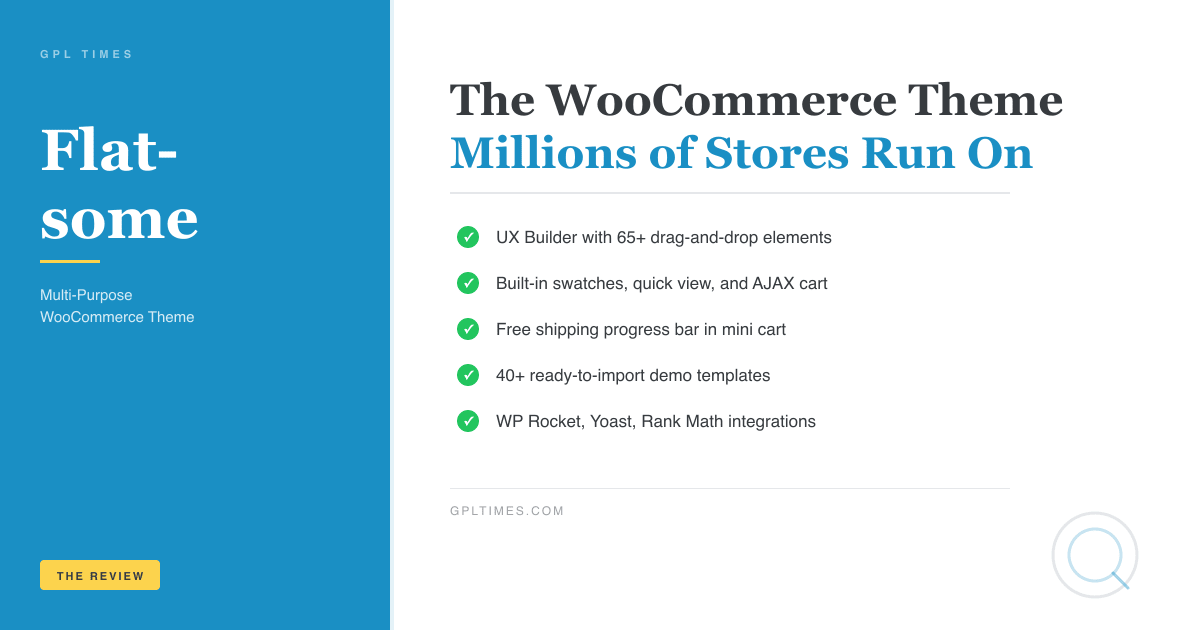
Flatsome has been one of the best-selling WordPress themes on ThemeForest for years, and if you’ve shopped at a WooCommerce store lately, you’ve probably landed on a site built with it. It pairs a fast, minimal base with a drag-and-drop builder and a suite of built-in WooCommerce features that most themes charge extra for. This review covers what Flatsome actually ships with, how the builder works, where it gets complicated, and what a developer can do with its hooks and filters.
Table of Contents
- What is Flatsome?
- Key features
- UX Builder: how the drag-and-drop editor works
- How it works for users
- Installation and setup
- Real-world use cases
- WooCommerce-specific features
- Developer reference
- Performance, compatibility, and gotchas
- Pricing and licensing
- FAQ
- Final thoughts
What is Flatsome?
Flatsome is a multi-purpose WordPress theme built by UX-Themes, a team that has been releasing and updating it since 2013. It’s positioned primarily as a WooCommerce theme, though it handles blogs, portfolios, and corporate sites just as well.
The theme comes with UX Builder, a front-end page builder that works independently of Gutenberg (you can still use blocks, but UX Builder is the main design tool). The theme also bundles about a dozen built-in extensions (lazy loading, live search, AJAX cart, attribute swatches, quick view modal, and more) that competing themes leave out or require paid plugins to add.
Flatsome is a parent theme. You’re supposed to make a child theme before touching any code. The Envato setup wizard creates a child theme for you automatically during first install.
Key features
- UX Builder with 65+ elements. Front-end drag-and-drop editor with rows, columns, banners, sliders, product grids, testimonials, countdown timers, and more. Works alongside Gutenberg, not against it.
- Built-in AJAX live search. Searches product names, SKUs, tags, and categories in real time. Displays product thumbnails, price, and category alongside results. No plugin required.
- Attribute swatches out of the box. Color, image, and button swatches on product archives and single product pages. Configure per WooCommerce attribute.
- Product quick view modal. Shoppers can open a lightbox with images, description, and Add to Cart without leaving the page.
- Variation images. Assign different gallery images per product variation. When a shopper picks a color, the gallery updates to show that variant.
- Infinite scroll / AJAX pagination. For shop pages and blog archives, with a "Load More" button or fully automatic scroll loading.
- Free shipping progress bar. Shows shoppers how close they are to free shipping, live in the mini cart. Uses
flatsome_shipping_free_shipping_thresholdif you need to adjust the threshold programmatically. - Buy Now button. Optional second CTA on product pages that skips the cart and takes users straight to checkout.
- Catalog mode. Hide prices and replace Add to Cart with an inquiry form, ideal for wholesale or B2B stores.
- Maintenance mode. Built-in maintenance page with custom message and optional countdown timer, no plugin needed.
- PJAX navigation. Experimental opt-in that loads pages without a full browser reload, making navigation feel near-instant.
- Seven registered nav menus. Main, mobile, secondary, footer, top bar, My Account, and vertical, all independently assignable.
- solid WC integrations. Ships with integration bridges for YITH Wishlist, YITH AJAX Layered Navigation, WP Rocket, Yoast SEO, Rank Math, WPML WooCommerce Multilingual, WC Bookings, Composite Products, and more.
UX Builder: how the drag-and-drop editor works
UX Builder is Flatsome’s own front-end editor. You activate it by clicking "Edit with UX Builder" in the WordPress admin bar while viewing any page, post, or saved block. The editor opens inline on the page; you see your actual layout as you build it, not a simulated preview.
The editor operates on shortcodes behind the scenes. Every element you drop onto the canvas generates a shortcode stored in the post content. You can switch to the text editor and read (or hand-write) the shortcodes directly. This means UX Builder content is portable across Flatsome installs and doesn’t lock you into a proprietary database format the way some builders do. If you need to copy a section to another site, you can literally paste the shortcode text and it works.
The element library is split into categories: layout elements (rows, columns, sections), content elements (text blocks, buttons, accordions, tabs, dividers), media (banners, image boxes, gallery, video, Lottie animations, sliders), and WooCommerce elements (product grids, product categories, bestsellers, cart, checkout). There are 65 elements in total, covering most design patterns you’d need for a store homepage or landing page.
One of the more useful elements is the Banner (
). It can hold background images or videos, text overlays, buttons, and hotspot markers. Many Flatsome homepages are built almost entirely out of layered banners: one full-width hero banner, two or three smaller feature banners below it, and a product grid underneath. It’s a fast pattern for a clean, editorial look.
The Banner Grid (
) takes this further, letting you lay out multiple banners in a grid: two equal columns, a wide-left / narrow-right split, a three-column row, etc. This is the standard pattern for category feature blocks on fashion or furniture homepages.
The Products element (
) is the workhorse for WooCommerce store pages. You specify category, count, columns, ordering, and whether to show a "Sale" badge. You can combine multiple
elements on the same homepage to create "New Arrivals", "Best Sellers", and "On Sale" sections, each pulling a different WC query.
The Block element ( Block ""123"" not foundux_block custom post type). If you design a promotional banner once, you can place that same block on every page and update it centrally. Most Flatsome stores save their header promo bar, announcement ribbon, or newsletter section as reusable blocks.
The Slider element (
) supports autoplay, swipe, dot navigation, and mixed content; you can put any other UX element inside a slide, including product grids or banners. The Hotspot element adds clickable map pins to an image, handy for "Shop the Look" layouts where clicking a pin opens a quick view of the featured product.
One thing UX Builder doesn’t do well: rich text editing. The text element is basic. If you’re writing blog posts or product descriptions with complex formatting, you’ll want to do that in the block editor or the classic editor, not UX Builder. The builder is a layout tool, not a word processor.
How it works for users
Using Flatsome as a non-developer is genuinely beginner-friendly. Here’s the typical flow for setting up a new store.
Step 1: Run the setup wizard. After activation, Flatsome’s setup wizard (powered by Envato’s setup library) walks you through creating a child theme, installing recommended plugins (WooCommerce, Contact Form 7, WPBakery if you want it), and importing a demo. Demos ship with pre-built pages, products, menus, and widgets. There are demos for fashion stores, electronics shops, furniture stores, food menus, and more. Each imports cleanly into a fresh install.
Step 2: Customize the header. Flatsome’s header builder lives in the WordPress Customizer under the Flatsome panel. You can choose between sticky, transparent, overlay, or scroll-on-focus header styles. The header regions are divided into rows, each configurable for logo, nav, search, cart icon, and top bar. This is all done in the live Customizer preview, no page builder involved.
Step 3: Build pages with UX Builder. Click Edit with UX Builder on any page. Drag elements from the left-hand panel onto the canvas. Each element has settings for typography, colors, spacing, animations, and visibility (show/hide on mobile, tablet, desktop independently). Changes save directly to the page.
Step 4: Configure the shop. In Customizer > WooCommerce, you control shop columns (2, 3, or 4 per row), hover effect (image zoom, color overlay, second image crossfade), product card layout, sale badge style (percent or "Sale" text), and whether to show swatches in the archive. Single product page options control gallery style (slider, scroll, thumbnails below), the Buy Now button, and the tabs order (Description, Reviews, Additional Information).
Step 5: Set up the footer. Footer layout is controlled in Customizer > Footer. You pick column count, add widget areas, and set background color. The footer supports a bottom bar for copyright text and payment icons.
Installation and setup
- Download the Flatsome zip from GPL Times.
- Go to Appearance > Themes > Add New > Upload Theme, upload
flatsome.zip, activate. - The setup wizard launches automatically. Follow the prompts to create a child theme and install WooCommerce.
- Import a demo if you want a starting point: Flatsome > Demo Importer in the admin sidebar.
- Go to Appearance > Customize to adjust global colors, fonts (from the built-in Google Fonts list), spacing, and header/footer layout.
- Open any page and click Edit with UX Builder to start building.
The child theme is created at wp-content/themes/flatsome-child/. All custom CSS goes in its style.css, custom PHP in its functions.php. This is the right place for any developer overrides; never touch the parent theme files directly.
Real-world use cases
1. Fashion or lifestyle WooCommerce store. Flatsome’s origin is here. The shop column layouts, swatches, variation images, and quick view are all optimized for apparel. A store selling clothing by color and size can have swatches on the shop archive so customers filter by color without opening each product. Variation images mean selecting "Navy" shows navy product photos.
2. Electronics or gadgets store. The product comparison feature (YITH integration), catalog mode for bulk inquiry, and the product list layout (
 ApexX - Esports & Gaming WordPress Theme 1.0.6
$4.99
ApexX - Esports & Gaming WordPress Theme 1.0.6
$4.99 Dance Studio - Music, Art School Wordpress Theme 4.6
$4.99
Dance Studio - Music, Art School Wordpress Theme 4.6
$4.99 Aakum - Creative Agency WordPress Theme 1.0.9
$4.99
Aakum - Creative Agency WordPress Theme 1.0.9
$4.99 Pallu - Dental Clinic, Medical WordPress Theme 1.0.6
$4.99
Pallu - Dental Clinic, Medical WordPress Theme 1.0.6
$4.99 AI Globe - Artificial Intelligence Startup & Techn 1.0.9
$4.99
AI Globe - Artificial Intelligence Startup & Techn 1.0.9
$4.99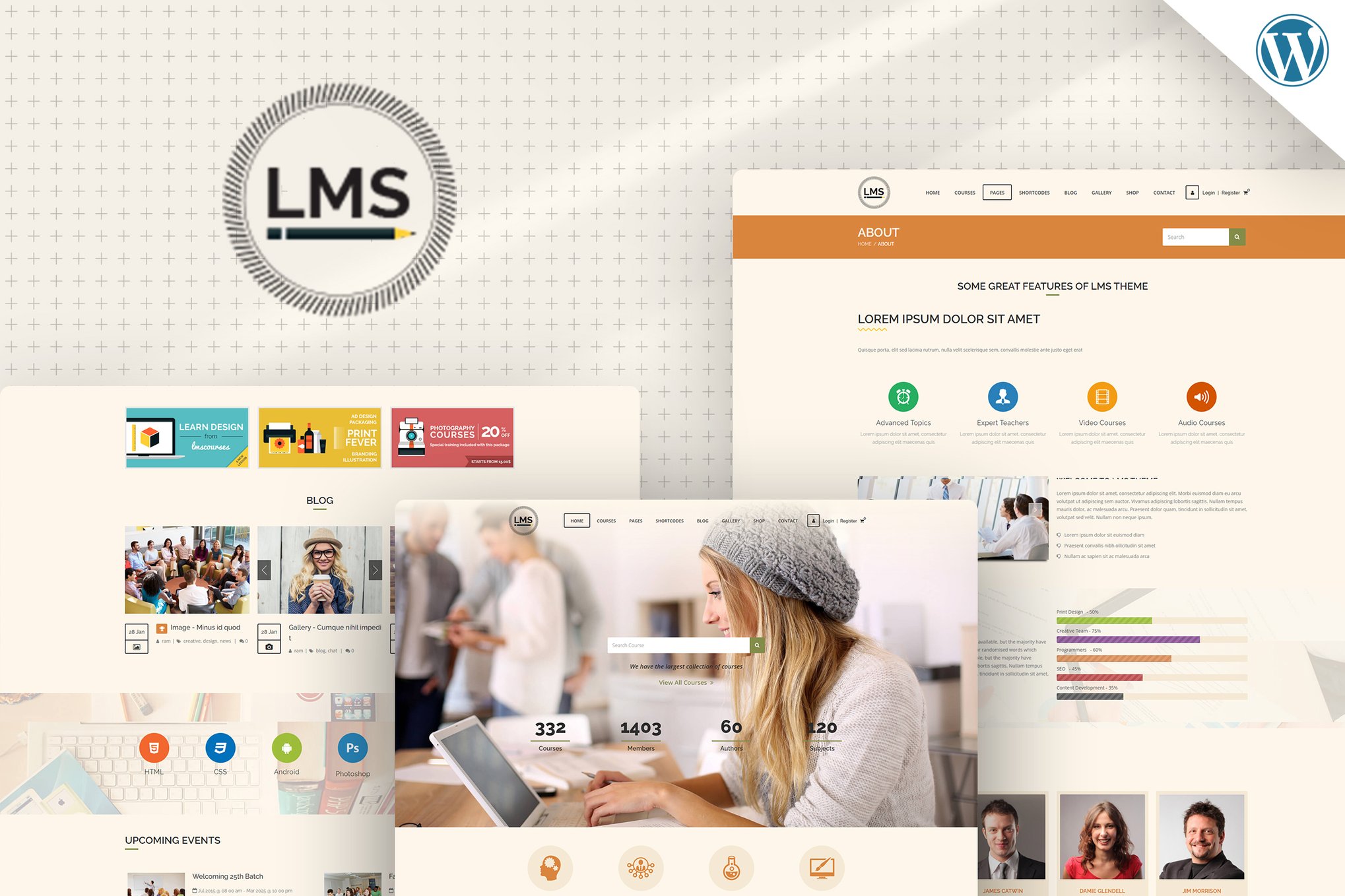 LMS - Education WordPress Theme 9.9
$4.99
LMS - Education WordPress Theme 9.9
$4.99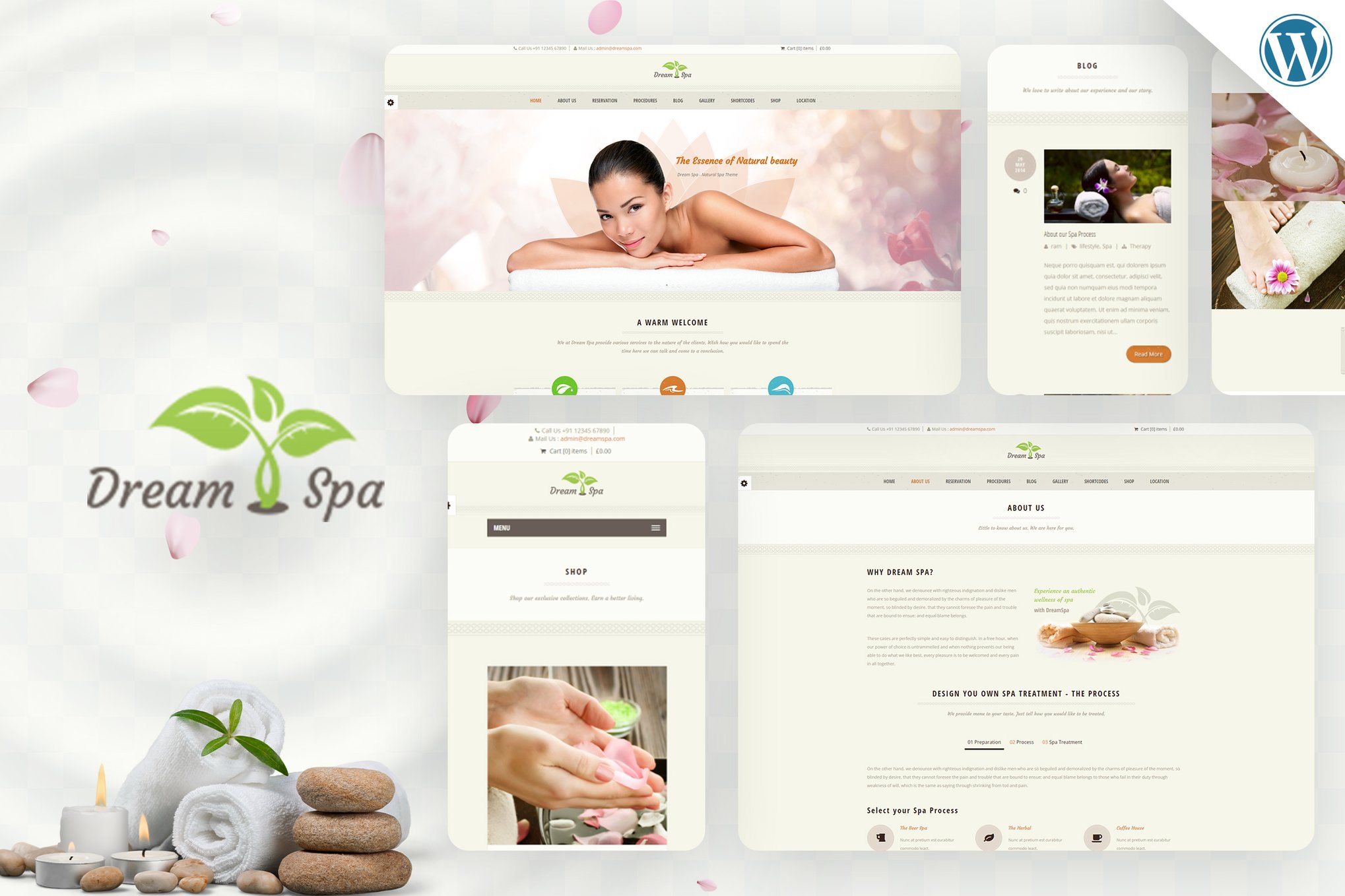 Dream Spa - Salon WordPress 4.9
$4.99
Dream Spa - Salon WordPress 4.9
$4.99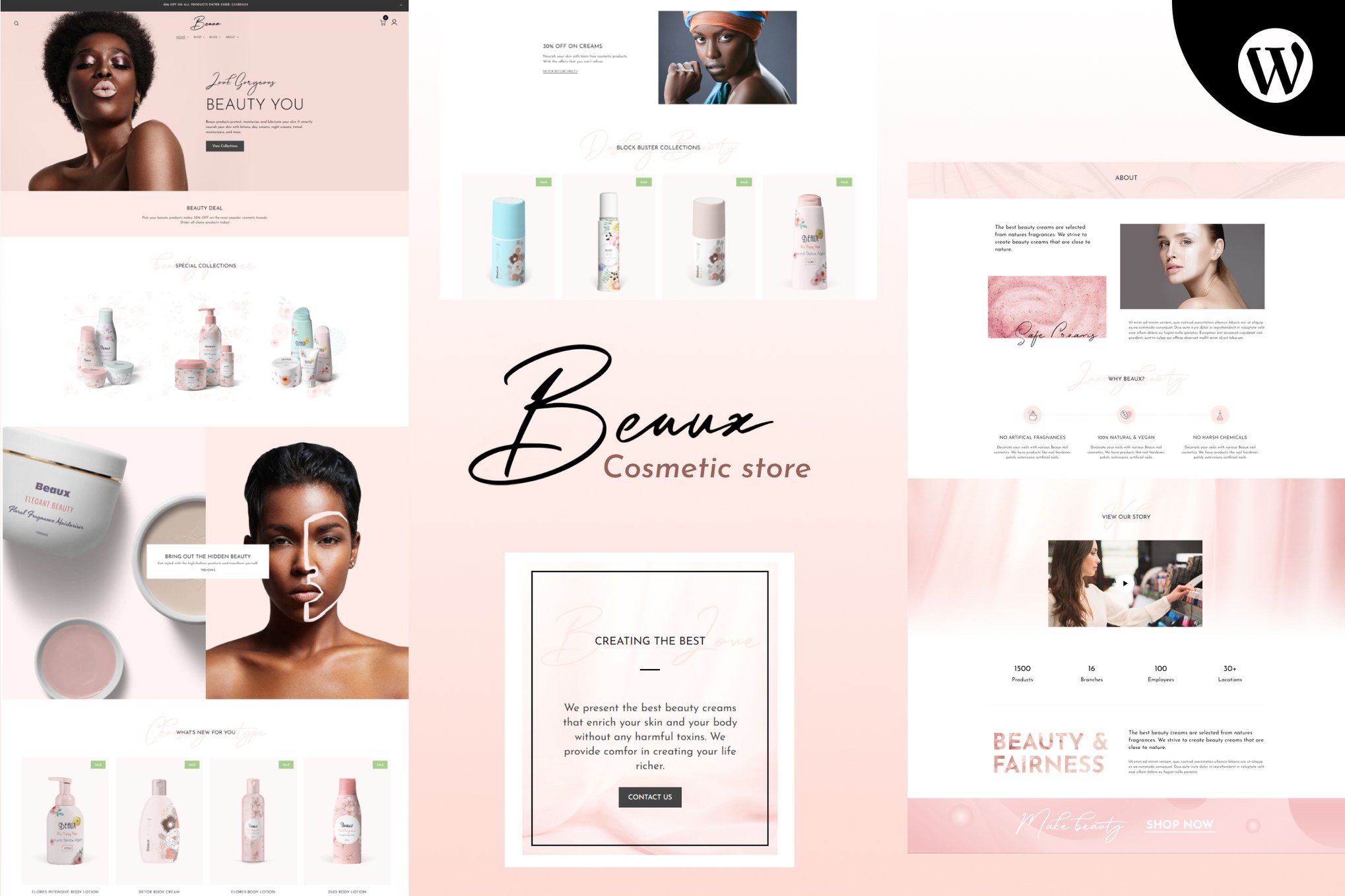 Beaux - Cosmetics Shop WordPress Theme 3.4
$4.99
Beaux - Cosmetics Shop WordPress Theme 3.4
$4.99
3. Restaurant or food service site. Flatsome’s demo collection includes a restaurant demo. The banner elements handle full-width hero photography cleanly. Menu pages are typically built with the price table element or a combination of text boxes and banners. The maintenance mode and WooCommerce’s local pickup shipping option handle "ordering paused" scenarios.
4. Portfolio or agency site. The ux_portfolio custom post type adds a filterable portfolio grid. Combined with the Page Builder and custom page-blank.php template (which strips the default header/footer for fully custom layouts), you can build an agency site with no traces of a WooCommerce storefront.
5. Membership or LMS site. Flatsome declares add_theme_support('sensei') and ships integration for LifterLMS. Combined with WooCommerce Memberships, the My Account menu (its own registered nav menu) can be configured as a learner dashboard.
WooCommerce-specific features
This is where Flatsome earns its reputation. Let me go through the features that matter most.
Attribute swatches
After enabling swatches in Flatsome > Extensions > Swatches, go to WooCommerce > Attributes, edit any attribute (like "Color"), and change the type from "Select" to "Color", "Image", or "Button". Products using that attribute will then display swatches instead of a dropdown on both the shop archive and the single product page.
The swatches extension also supports marking out-of-stock variations visually (a diagonal strike or greyed-out state) so customers don’t have to discover an unavailable option at checkout.
Quick view modal
The quick view button appears on product cards when hovering in the shop archive (if enabled in Customizer > WooCommerce > Products). Clicking it opens a lightbox with the product gallery, title, price, short description, attribute selectors, and Add to Cart. Shoppers can add products to the cart without navigating away from the catalog page. This reduces pogo-sticking and is measurably better for conversions on dense shop pages.
Free shipping progress bar
One of Flatsome’s most distinctive features. Enable it in Customizer > WooCommerce > Cart & Checkout. A progress bar in the mini cart shows "Add $X more to get free shipping!" and fills in as the cart total grows. This is a proven conversion lever for stores with a free shipping threshold.
To override the threshold programmatically (for example, per user role):
add_filter( 'flatsome_shipping_free_shipping_threshold', function ( $threshold ) {
 if ( current_user_can( 'wholesale_customer' ) ) {
 return 200; // $200 threshold for wholesale
 }
 return $threshold;
} );
Variation images
Assign multiple images to each product variation in the product editor. Under each variation row, you’ll see an "Add Media" icon for variation images. When a shopper selects that variation, the main product gallery updates to show those images instead of the default gallery. This is included, no separate plugin needed.
Catalog mode
Under Customizer > WooCommerce > Catalog Mode, you can hide prices and replace Add to Cart with an inquiry link across the entire store. Useful for B2B stores, showrooms, or any site where you want to capture leads rather than process transactions.
WooCommerce page templates
Flatsome ships dedicated template files for the cart (page-cart.php) and checkout (page-checkout.php), which strip sidebars and give checkout a distraction-free layout. The checkout template outputs a multi-step indicator at the top (Cart, Information, Shipping, Payment), styled through UX Builder’s shortcode system without any third-party plugin dependency.
Developer reference
Flatsome exposes a solid set of filters for customization without modifying core files. All of these belong in your child theme’s functions.php.
Filtering the live search query
// Add custom post type to live search results
add_filter( 'flatsome_ajax_search_post_type', function ( $post_types ) {
 $post_types[] = 'recipe';
 return $post_types;
} );

// Modify the product search WP_Query args
add_filter( 'flatsome_ajax_search_products_search_query', function ( $args ) {
 $args['meta_query'][] = [
 'key' => '_stock_status',
 'value' => 'instock',
 'compare' => '=',
 ];
 return $args;
} );
Filtering product card output
// Add a custom "Certified" badge to product cards
add_filter( 'flatsome_product_block', function ( $html, $product ) {
 if ( $product->get_meta( '_is_certified' ) ) {
 $badge = '<span class="product-badge badge-certified">Certified</span>';
 $html = str_replace( '<div class="product-info', $badge. '<div class="product-info', $html );
 }
 return $html;
}, 10, 2 );

// Add class to product card wrapper
add_filter( 'flatsome_product_box_classes', function ( $classes, $product ) {
 if ( $product->is_on_sale() ) {
 $classes[] = 'on-sale-highlight';
 }
 return $classes;
}, 10, 2 );
Controlling the Buy Now button
// Disable Buy Now for subscription products
add_filter( 'flatsome_show_buy_now_button', function ( $show, $product ) {
 if ( $product->is_type( 'subscription' ) ) {
 return false;
 }
 return $show;
}, 10, 2 );
AJAX search: searching by custom meta
// Include products where _featured is set to 'yes' in SKU-based search
add_filter( 'flatsome_ajax_search_products_by_sku_search_meta_query_args', function ( $meta_query ) {
 $meta_query[] = [
 'key' => '_featured',
 'value' => 'yes',
 ];
 return $meta_query;
} );
Customizing the lightbox close button
add_filter( 'flatsome_lightbox_close_button', function ( $html ) {
return '<button type="button" class="mfp-close" title="Close">×</button>';
} );
Registering a custom social/follow link
Flatsome has a helper function for adding social networks to the Follow element and the Team Member element:
// In child theme functions.php, after the parent theme loads
add_action( 'after_setup_theme', function () {
 flatsome_register_follow_link( 'mastodon', 'Mastodon', [
 'icon' => 'icon-mastodon',
 'prefix' => 'https://mastodon.social/',
 ] );
}, 11 );
Using reusable blocks programmatically
Saved blocks (the ux_block post type) can be retrieved by slug and rendered anywhere:
function my_render_flatsome_block( $slug ) {
 $block = get_page_by_path( $slug, OBJECT, 'ux_block' );
 if ( $block ) {
 echo apply_filters( 'the_content', $block->post_content );
 }
}
Overriding WooCommerce template files
Flatsome overrides many WooCommerce templates inside inc/woocommerce/. To override a template in your child theme, replicate the path under flatsome-child/woocommerce/. For example, to customize the single product page header:
flatsome-child/
 woocommerce/
 single-product/
 product-image.php
WordPress and WooCommerce will use your child theme version automatically.
Theme mod (Customizer) access in code
// Read any Customizer setting
$header_layout = get_theme_mod( 'header_layout', 'default' );
$shop_columns = get_theme_mod( 'shop_columns', '3' );

// Change a setting programmatically (e.g., in tests or import scripts)
set_theme_mod( 'maintenance_mode', true );
Flatsome object
The global flatsome() function returns the main theme instance:
$version = flatsome()->version(); // "3.20.6"
$theme_path = flatsome()->path(); // server path to the theme root
$theme_uri = flatsome()->uri(); // URL to the theme root
Performance, compatibility, and gotchas
Performance baseline is good. Flatsome loads a relatively slim asset set out of the box. It removes jQuery Migrate on page load, which saves a round-trip request most themes skip. The lazy load extension (flatsome-lazy-load) uses native browser lazy loading rather than a heavy JavaScript library, and the Instant Page extension (flatsome-instant-page) prefetches links on hover, making subsequent page loads feel instant without any configuration. It removes jQuery Migrate (flatsome_remove_jquery_migrate), lazy-loads images natively, and optionally enables PJAX navigation for near-instant page transitions. The Instant Page extension prefetches links on hover. Combined with a caching plugin like WP Rocket, a Flatsome store can hit good Core Web Vitals scores without a lot of tuning.
WP Rocket is a first-class integration. Flatsome ships a dedicated bridge at inc/integrations/wp-rocket/ that tells WP Rocket which CSS and JS to exclude from minification, ensuring the builder and swatches don’t break under aggressive optimization.
Gutenberg coexistence. Flatsome respects Gutenberg. You can use native blocks in post content; UX Builder works on pages and products. The ux_gutenberg element even lets you drop a Gutenberg block editor canvas inside a UX Builder layout. In practice, most stores use UX Builder for pages and the block editor for posts. The experimental_flatsome_woocommerce_blockify filter lets you opt into WooCommerce’s new block-based cart and checkout if you want to test it.
Child theme is mandatory, not optional. This isn’t a gotcha unique to Flatsome, but it’s worth saying directly: any customization you put in the parent theme will be wiped on the next update. Use the child theme. The setup wizard creates it automatically.
UX Builder content is shortcode-based. This is a double-edged sword. Your content is readable and portable, but if you ever switch themes, those
and
shortcodes will render as plaintext. Migrating a heavily UX Builder-built site to a different theme requires rebuilding pages. This is true of every visual builder, but worth knowing upfront.
Flatsome options panel is in the Customizer. Most theme options live under Appearance > Customize, not a standalone admin page. Users coming from themes with their own dashboard panel sometimes spend a few minutes looking for the settings before realizing they’re in the Customizer. Once you’re there, the organization is logical (style, header, footer, blog, WooCommerce, social), but the sheer number of options can be overwhelming on first visit. Flatsome’s Customizer panel has hundreds of individual controls. That’s powerful, but there’s no search.
UX Builder’s mobile controls. Every element has a visibility toggle for desktop, tablet, and mobile. You can also set different widths and font sizes per breakpoint. This is genuinely useful but it means a complex layout can have a lot of hidden conditionals that make the shortcode output hard to read. If you’re handing off a Flatsome site to a client, budget some time to explain the responsiveness settings.
Theme registration bypass. The GPL Times version modifies the license check in functions.php to register as a public license automatically. This means you get the full theme without needing to enter a ThemeForest purchase code. All features, including updates through the demo importer and access to the full element library, work without a registration step.
Compatibility with SEO plugins. Flatsome declares yoast-seo-breadcrumbs and rank-math theme support, and includes integration files for both. Breadcrumbs from either plugin replace Flatsome’s own breadcrumb output automatically when those plugins are active. AIOSEO is also covered.
WCAG 2.2 accessibility. The 3.20.0 update brought a meaningful accessibility pass: ARIA labels on banners and lightboxes, keyboard navigation for swatches, improved focus states, and alt text support for Instagram feed images. If accessibility compliance matters for your store (required in some jurisdictions), Flatsome is in a much better position than it was a few versions ago.
Pricing and licensing
Flatsome is sold on ThemeForest under a Regular License (one domain) or Extended License (client projects). The theme receives consistent updates from UX-Themes and has done so for over a decade, which is unusually long support for a WordPress theme.
GPL licensing applies to WordPress themes that use the GPL codebase, which gives you the freedom to use and study the theme code.
FAQ
Does Flatsome work without WooCommerce?
Yes. WooCommerce-specific elements in UX Builder won’t appear without WooCommerce active, but all the layout, content, and media elements work on any WordPress site. You can use Flatsome for a pure blog, portfolio, or corporate site.
Can I use Elementor instead of UX Builder?
Technically yes, but it’s redundant. Both builders do similar things, and running two editors on the same site adds weight and potential conflicts. Flatsome is designed around UX Builder. If you prefer Elementor Pro, you’d be better off with a lighter base theme like GeneratePress or Astra Pro that’s built to be paired with external builders.
How does Flatsome compare to Divi?
Divi is a complete ecosystem with its own builder, theme, plugins, and membership. Flatsome is more focused: it’s a WooCommerce theme first, with a capable builder included. Flatsome tends to produce leaner HTML and faster pages out of the box; Divi has more third-party community content (layouts, extensions, tutorials).
Is WPBakery included?
No. Flatsome includes UX Builder, not WPBakery. The setup wizard lists WPBakery as a recommended plugin if you want it, but it’s optional and separate.
Does Flatsome support multilingual sites?
Yes. It includes a WPML WooCommerce Multilingual integration at inc/integrations/wcml/ and ships a translation-ready .pot file. String translation for theme options is handled through WPML’s string translation module.
Can I add custom elements to UX Builder?
Yes. Elements are PHP files in inc/builder/shortcodes/. You can add your own by creating a compatible element class and placing it in your child theme, though Flatsome doesn’t expose a documented public API for this. Looking at an existing simple element (like gap.php or divider.php) gives you the pattern.
How many demo sites does Flatsome have?
UX-Themes publishes over 40 demo templates in the demo importer, covering fashion, electronics, food, furniture, health, jewelry, photography, and more. Demos can be imported individually (import only specific pages) or fully.
Does Flatsome’s quick view work on mobile?
Yes. The quick view opens as a full-screen modal on mobile. Flatsome’s mobile breakpoints are managed through the Customizer, and the builder lets you hide or resize elements per breakpoint.
Final thoughts
Flatsome is the rare theme that has stayed genuinely competitive over a long time. Most "best-selling" themes from 2015 have either been abandoned or turned into bloated frameworks. Flatsome has kept updating, kept its codebase lean relative to what it ships, and kept adding relevant features like accessibility improvements and WooCommerce block support.
The builder is good, not as flashy as newer tools, but stable and fast. The built-in WooCommerce features (swatches, quick view, variation images, free shipping bar, AJAX cart) represent real development work that you’d otherwise pay for in separate plugins. The integration list (WP Rocket, Yoast, Rank Math, WPML, YITH, WC Bookings) covers the stack most serious stores are running.
Where Flatsome shows its age is the developer API. The filter and action documentation is thin, mostly inferred from reading the source. And the Customizer-centric settings panel can feel dated compared to themes with standalone admin dashboards. These are real friction points, but neither breaks the theme.
For anyone building a WooCommerce store and wanting one theme that handles the front end with minimal extra plugins, Flatsome is a strong default choice. Grab it from GPL Times and see how much you can do before you ever need to touch a third-party plugin.